Office & admin
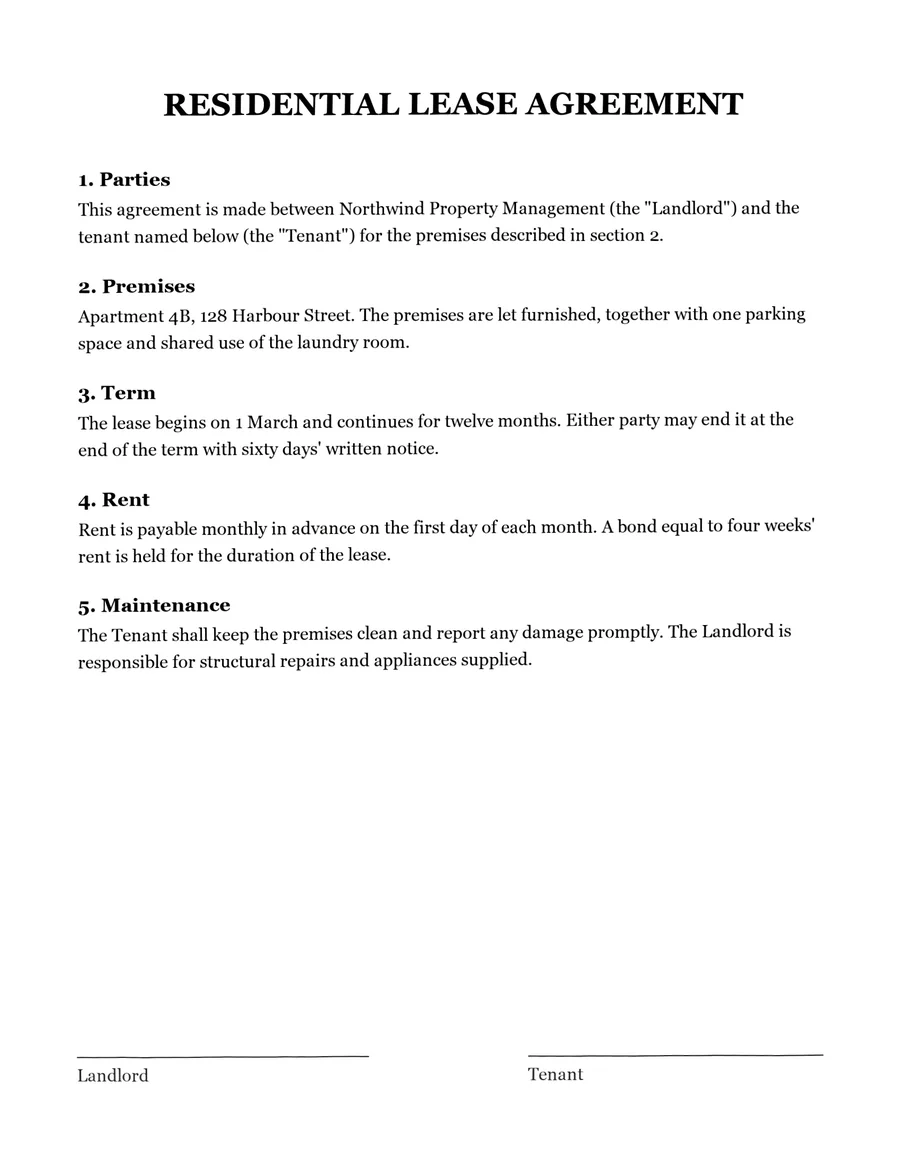
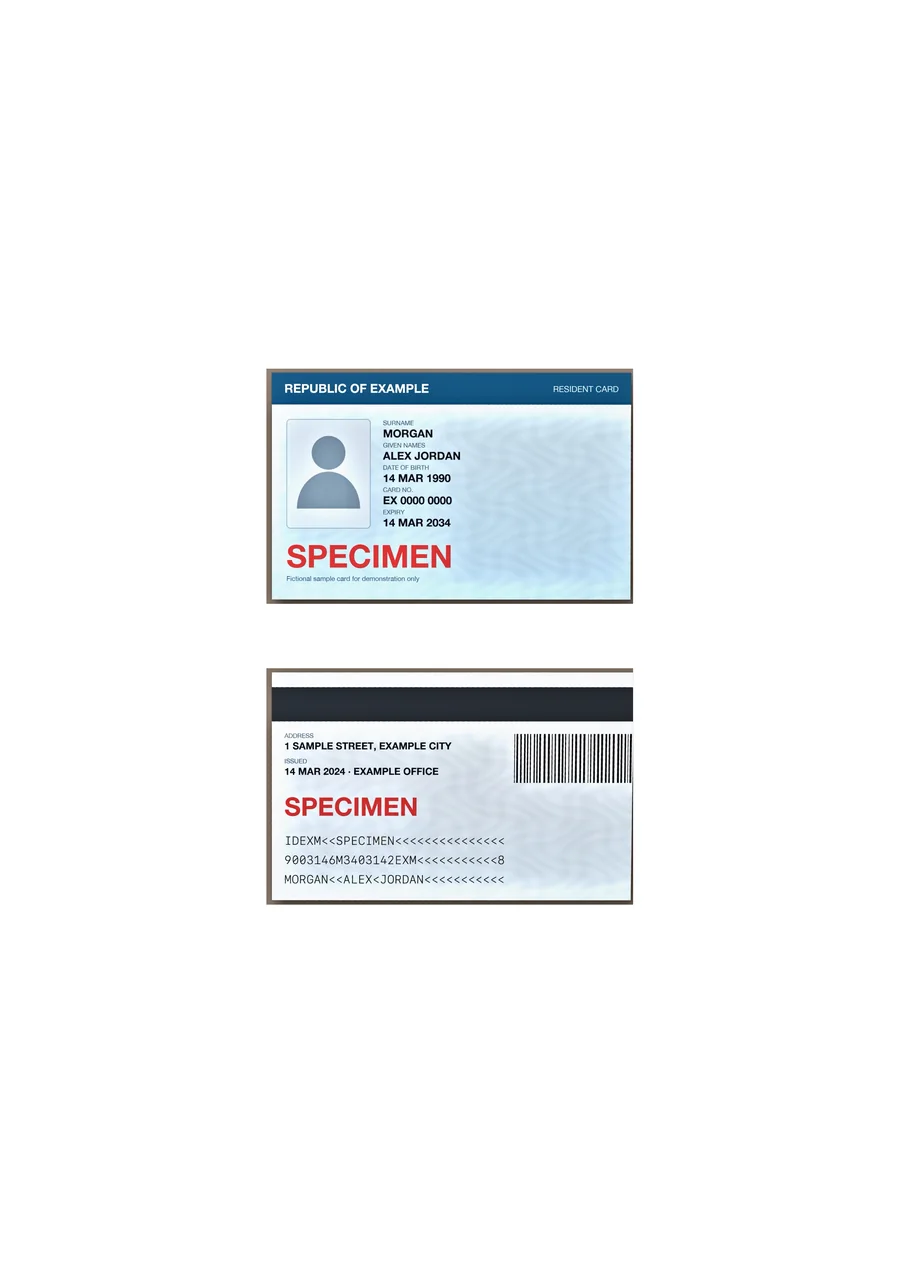
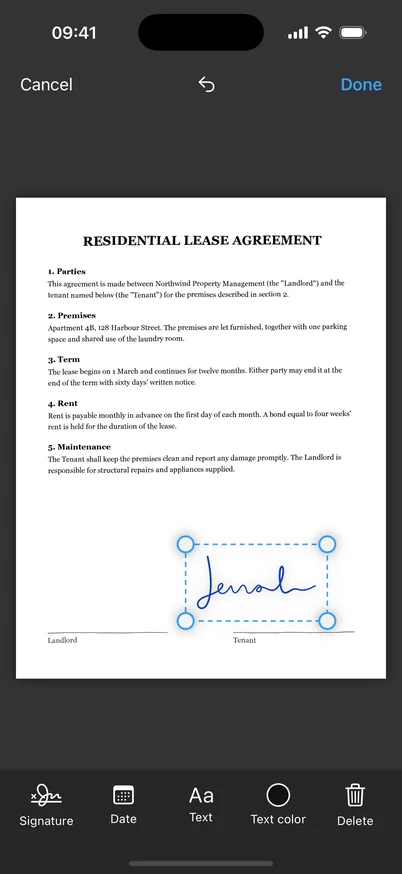
Contracts signed, IDs copied, receipts filed — without client data touching a cloud.
Scan, read, search and sign — with AI that runs on your iPhone. Nothing is ever uploaded.
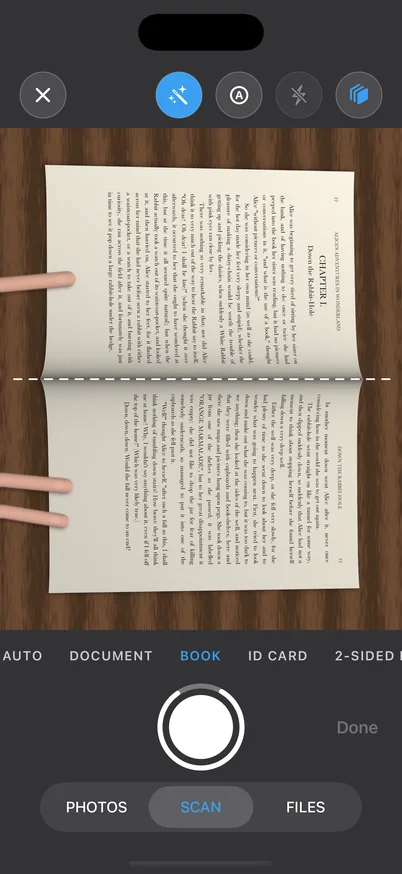
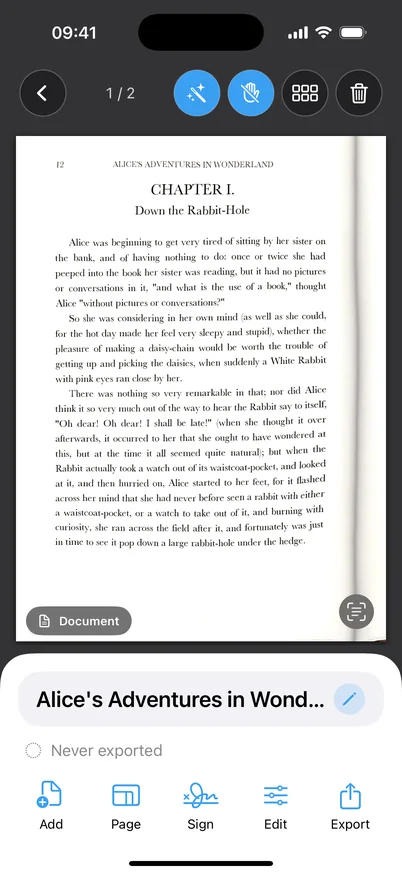
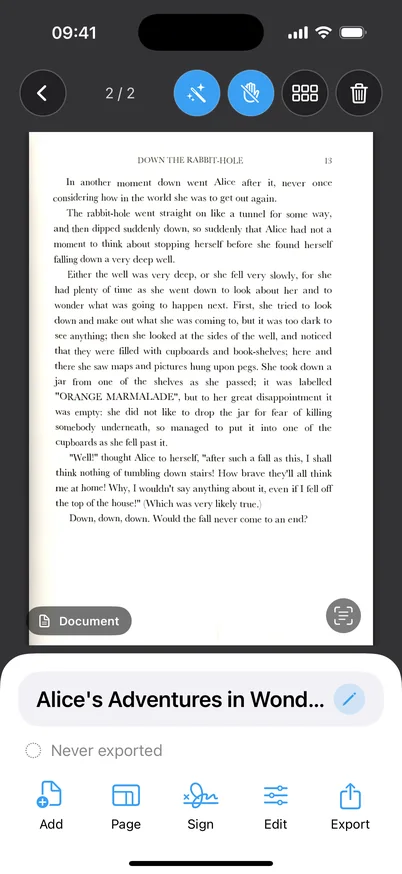
Scan a book: two flat pages, fingers removed.
Private by design
Other AI scanners upload your pages. Cenith Scan has no server to upload to.
Every AI step runs on your iPhone's own chip.
No server ever sees your scans. Not even briefly.
No sign-up. Open the app and scan.
Airplane mode? Everything still works.
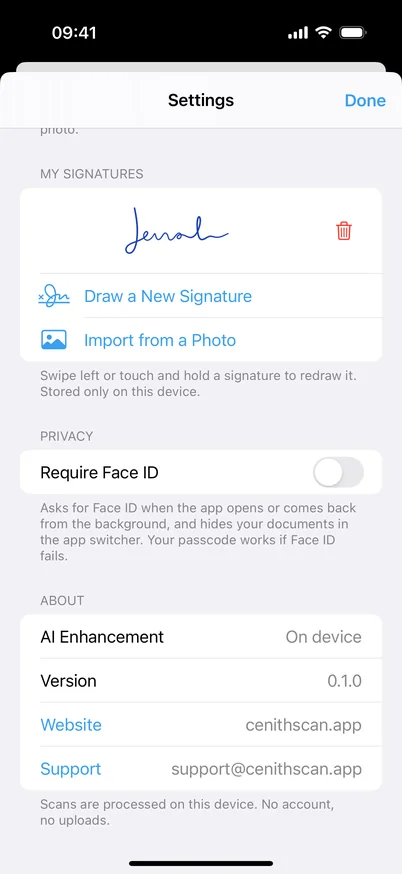
Lock the app and hide it from the app switcher.
No analytics, no ads, no third-party SDKs.
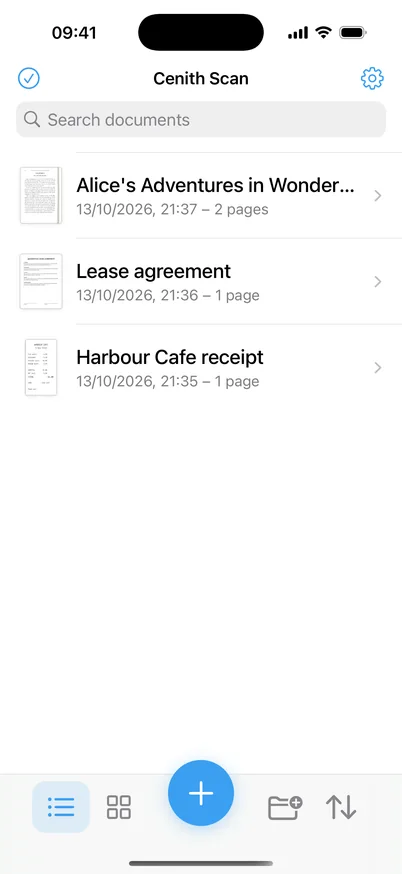
You photograph a page, a book, a receipt or a card.
Stored only on your device. It leaves only when you share it.
The whole path stays on your iPhone. Read our privacy policy.
Made for you
Contracts signed, IDs copied, receipts filed — without client data touching a cloud.
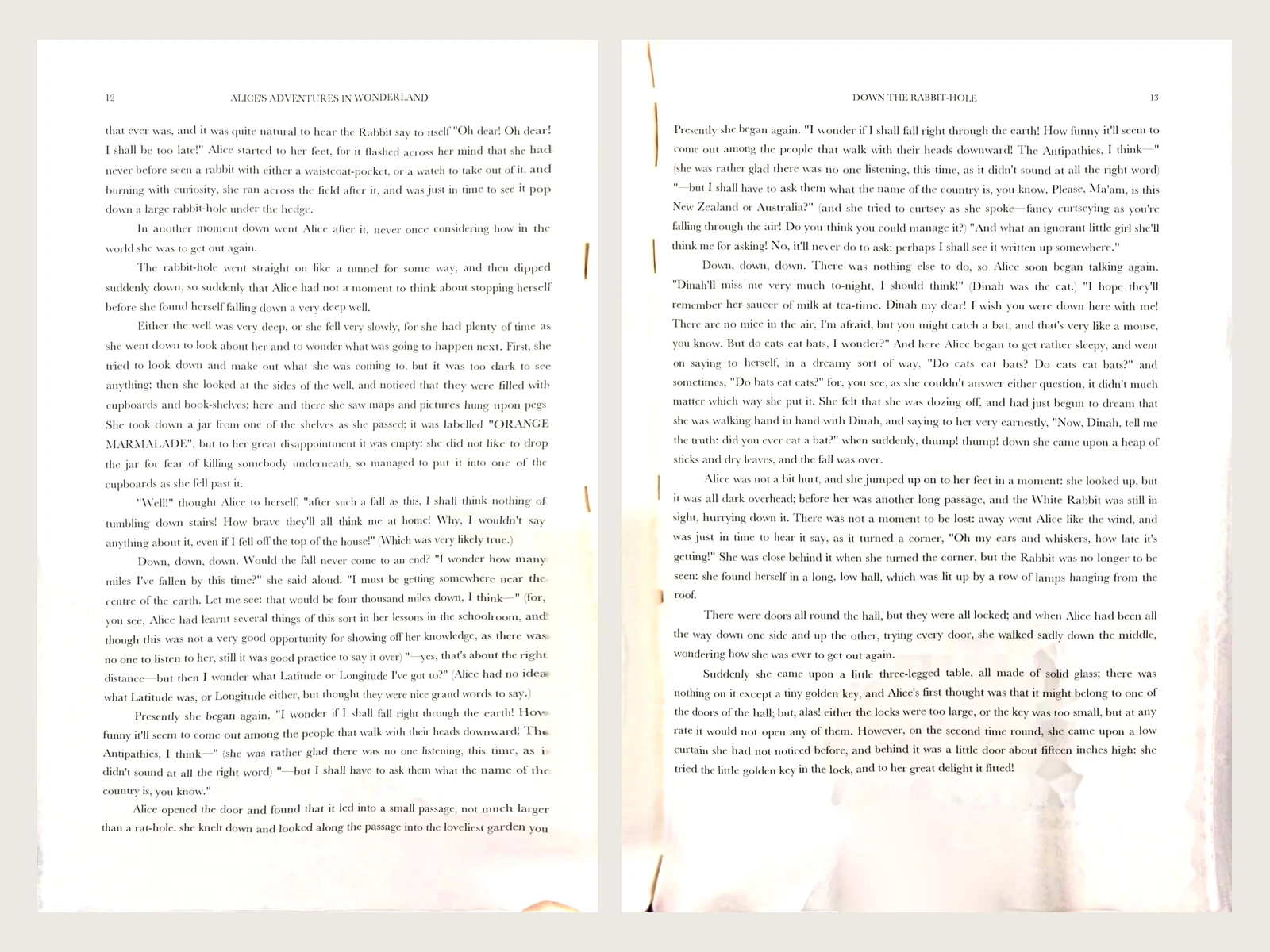
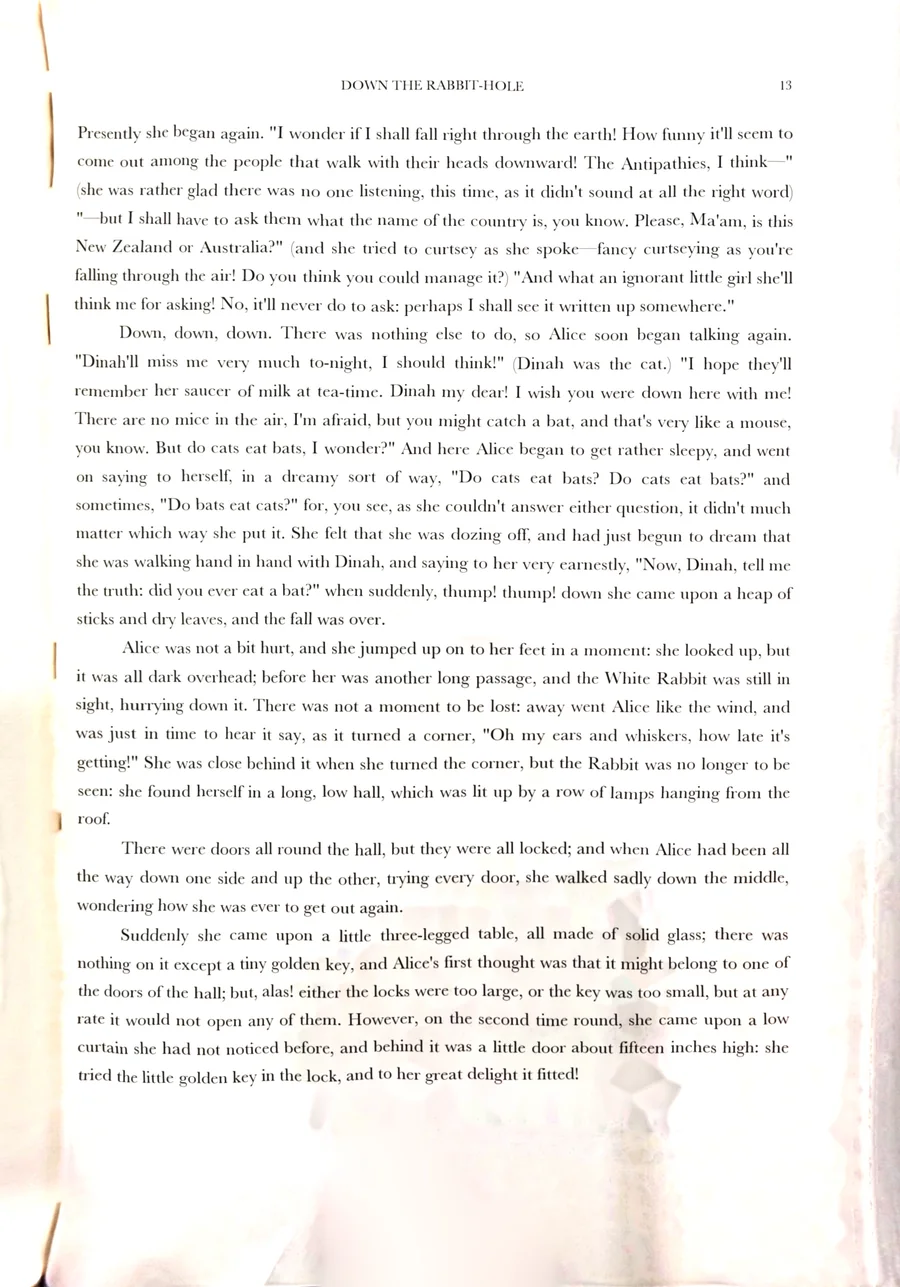
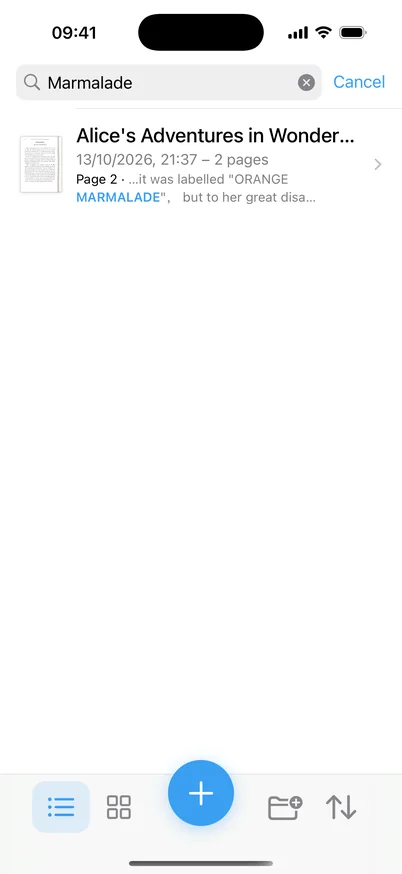
Books, archives and notes turned into a library you can search, word for word.
On-device AI
The processing other apps do in the cloud, done on your iPhone.
Curled books and folded letters, straightened.
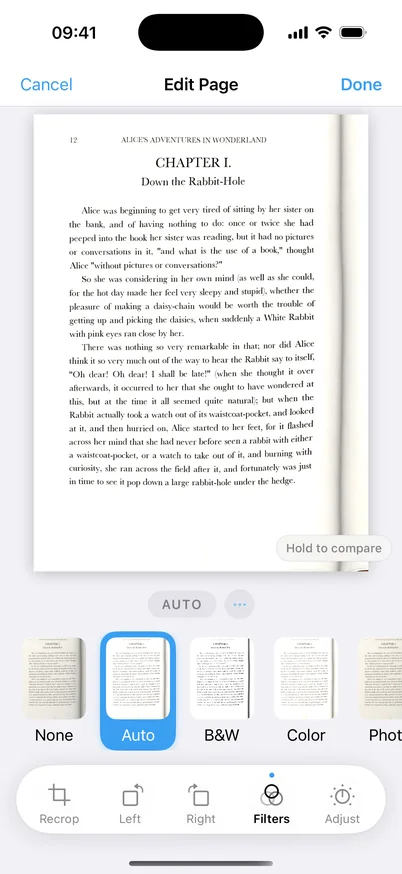
Shadows and dark gutters turned into clean paper.
Documents, receipts, IDs and passports, each processed right.
On-device OCR in English and Chinese.
Find any word in any scan. The index never leaves your phone.
Fingertips cleared from the margins. Text never touched.
Everything you scan
Live outline, auto capture, batch mode.
True colours, printed at real size.
Auto-detected, even long ones.
Five filters, apply to every page in one tap.
Finger or Apple Pencil, dates and text.
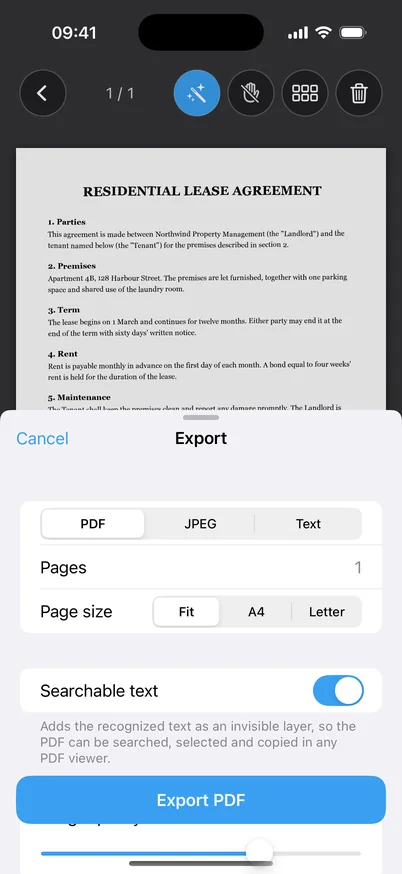
PDF, JPEG or text — shared only when you choose.
Book scanning
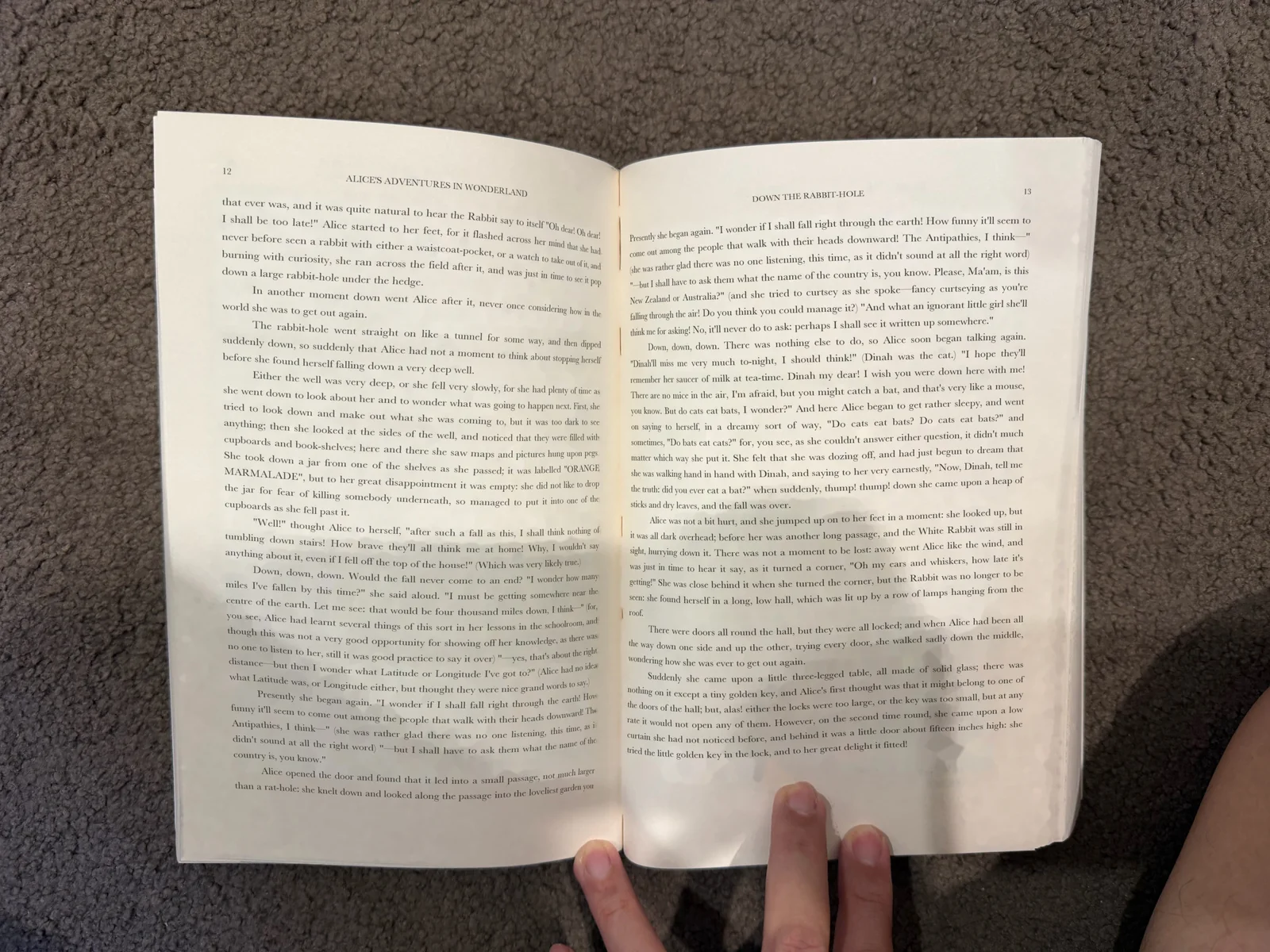 Photo
Cenith Scan
Photo
Cenith Scan
Drag to compare. Output produced by the app's own processing from a single photo.
BOOK mode splits the spread at the spine.
AI flattens each page and evens the light.
Fingertips removed; text left untouched.
A closer look
Questions
Yes. The AI model for page flattening and lighting is built into the app and runs on your iPhone's chip; text recognition uses Apple's on-device engine. No page, photo or text is sent to a server. See our privacy policy.
No. There is no sign-up and no login. Your library lives only in the app on your iPhone (and in your own device backups, if you use them).
No. Scanning, AI Enhancement, finger removal, text recognition and search all work offline, on your iPhone.
Choose BOOK in the mode strip above the shutter. Turn the book sideways under your phone with the top of the book towards the right, and line the spine up with the dashed guide. Each photo becomes two pages, in reading order. Turn on auto capture and just turn the pages.
No. It only works in the blank margins. Text lines, page numbers and footnotes are recognised first and left untouched. Where a finger covers text, that part is kept as it is, because what's hidden under a finger can't be recovered from a photo. Finger Removal is off by default; turn it on for the pages that need it.
Text recognition and search support English, Simplified Chinese and Traditional Chinese. A search in Simplified Chinese also finds Traditional characters, and the other way round.
Multi-page PDFs (searchable by default), full-resolution JPEGs, or the recognised text as a .txt file. Share to Files, AirDrop, Mail or any other app.
Any iPhone running iOS 18 or later.

Cenith Scan is coming soon to the App Store. Questions or feedback? We'd love to hear from you.